No splash screens. Tap and type.
Zero-Friction Idea Capture

Capture ideas at the speed of thought.
The blazing-fast, privacy-first note app built for sudden bursts of inspiration, clean markdown lists, and effortless organization.
0s Startup Delay
100% Private
Offline-first local database.
Native Markdown
Instant formatting toolbar.
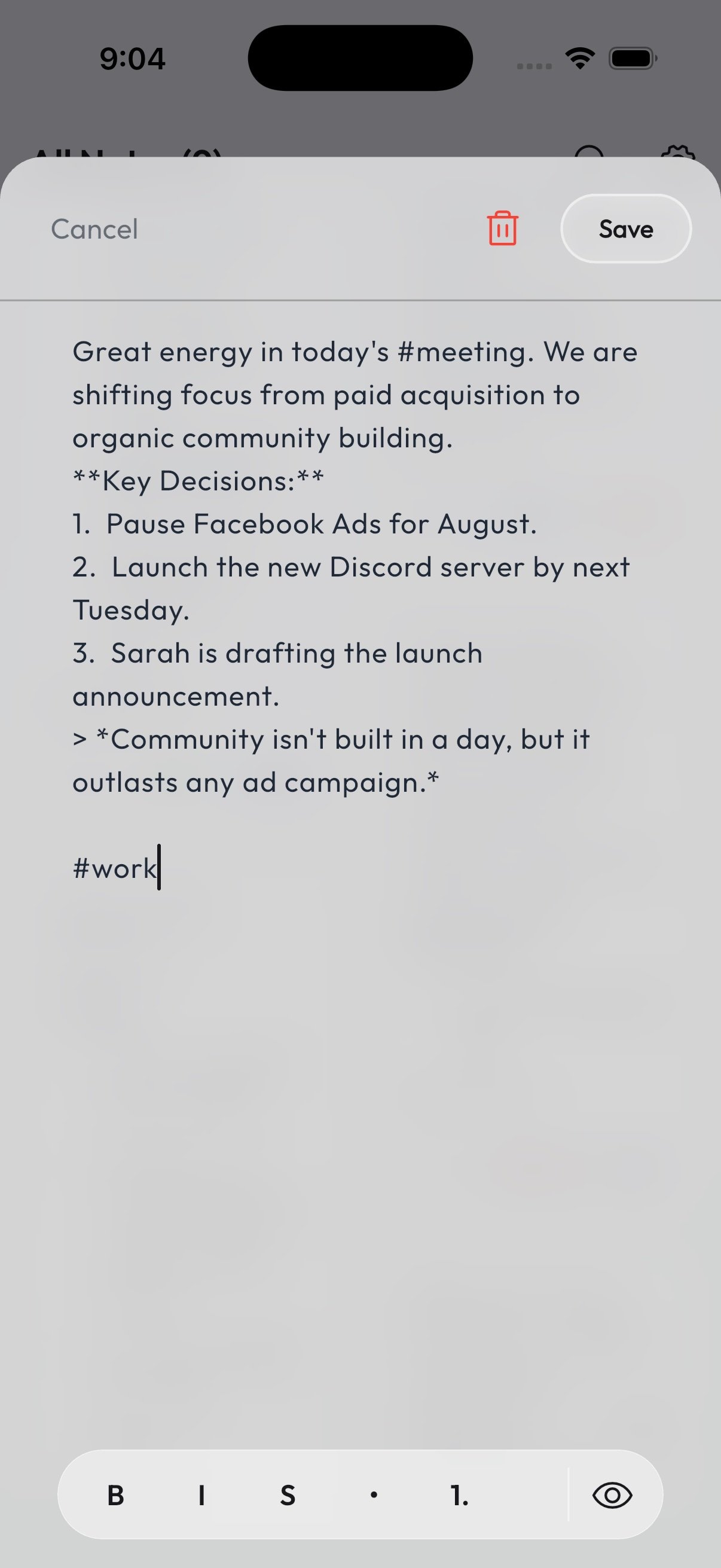
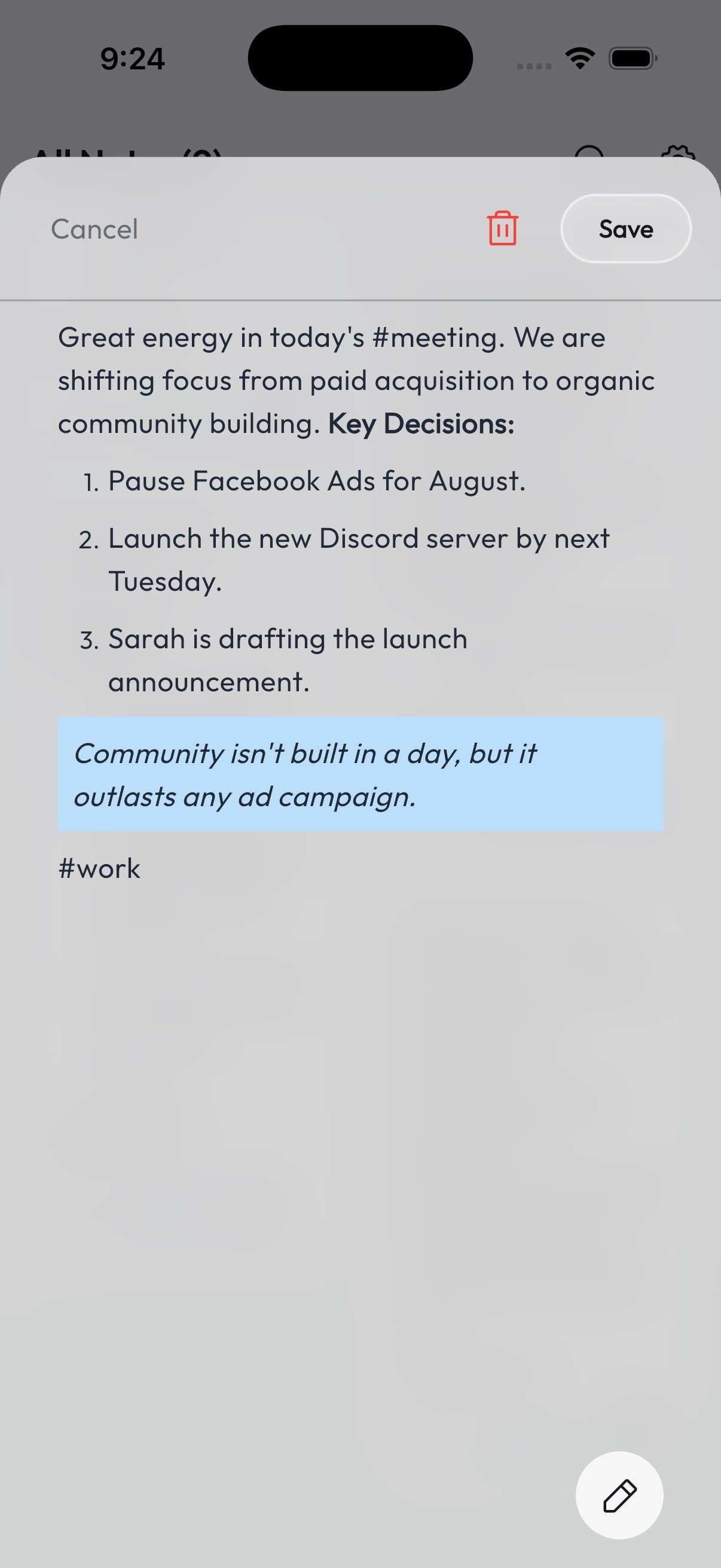
Write naturally. Format instantly.
Whether you’re drafting quick bullet points, emphasis tags, or styled quote blocks, JotDeck handles markdown syntax effortlessly on the fly. Use our intuitive bottom toolbar to bold, italicize, list, and preview your thoughts with one tap.
Switch perspectives with a single tap.
Customize your workspace to match your mood. Organize notes visually in a dynamic masonry Card View, or toggle to a compact List View with quick star and edit actions when you need to skim through busy days.
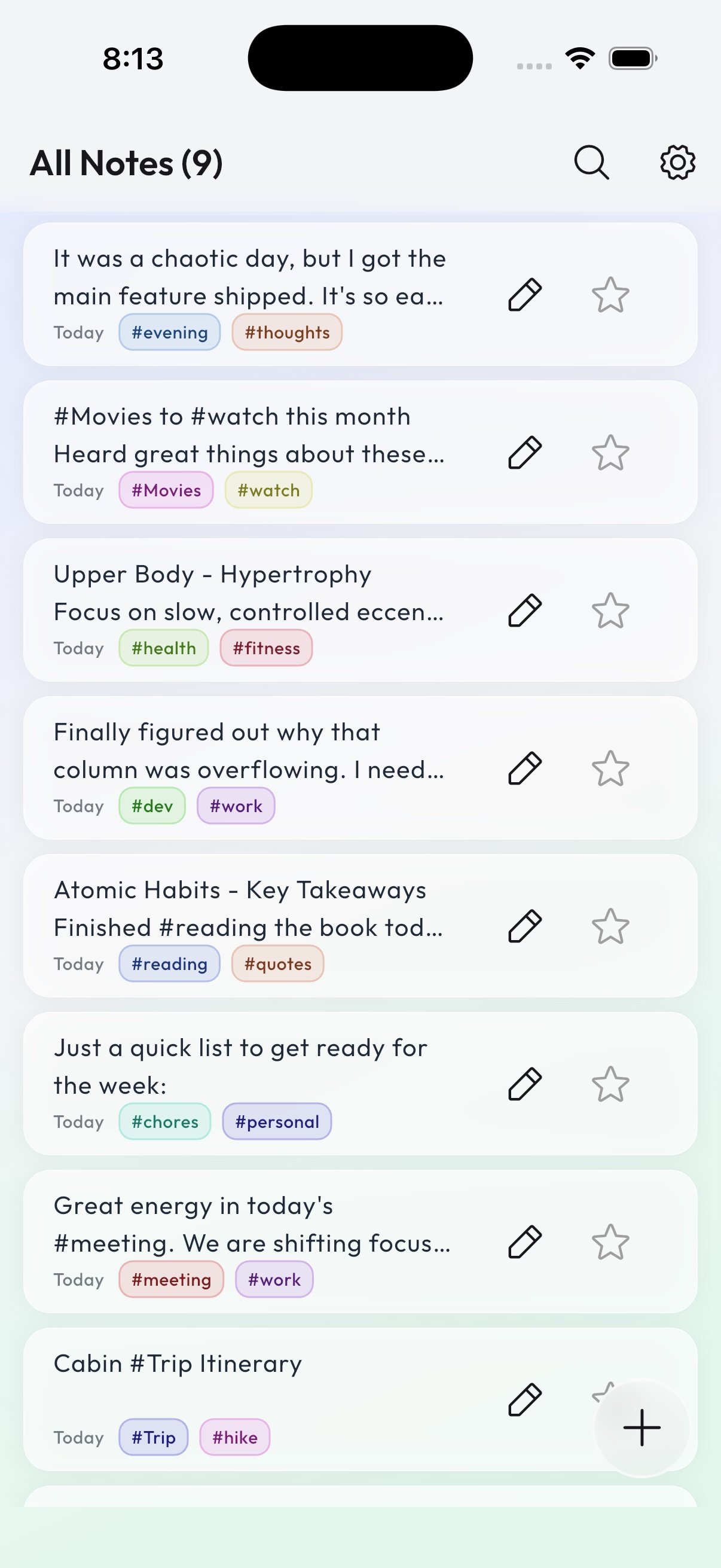
Type #hashtags. Instant organization.
Skip nested folder hell. Just drop a #tag directly into your text (like #work, #ideas, or #fitness), and JotDeck automatically converts them into color-coded filters. Tap any tag or use universal text search to locate thoughts in milliseconds.
Your notes stay on your device. Period.
JotDeck is engineered with a lightning-fast local database. It works perfectly on airplane mode, underground subways, or anywhere off the grid. No accounts required, no tracking, and zero cloud lock-in.
100% Offline
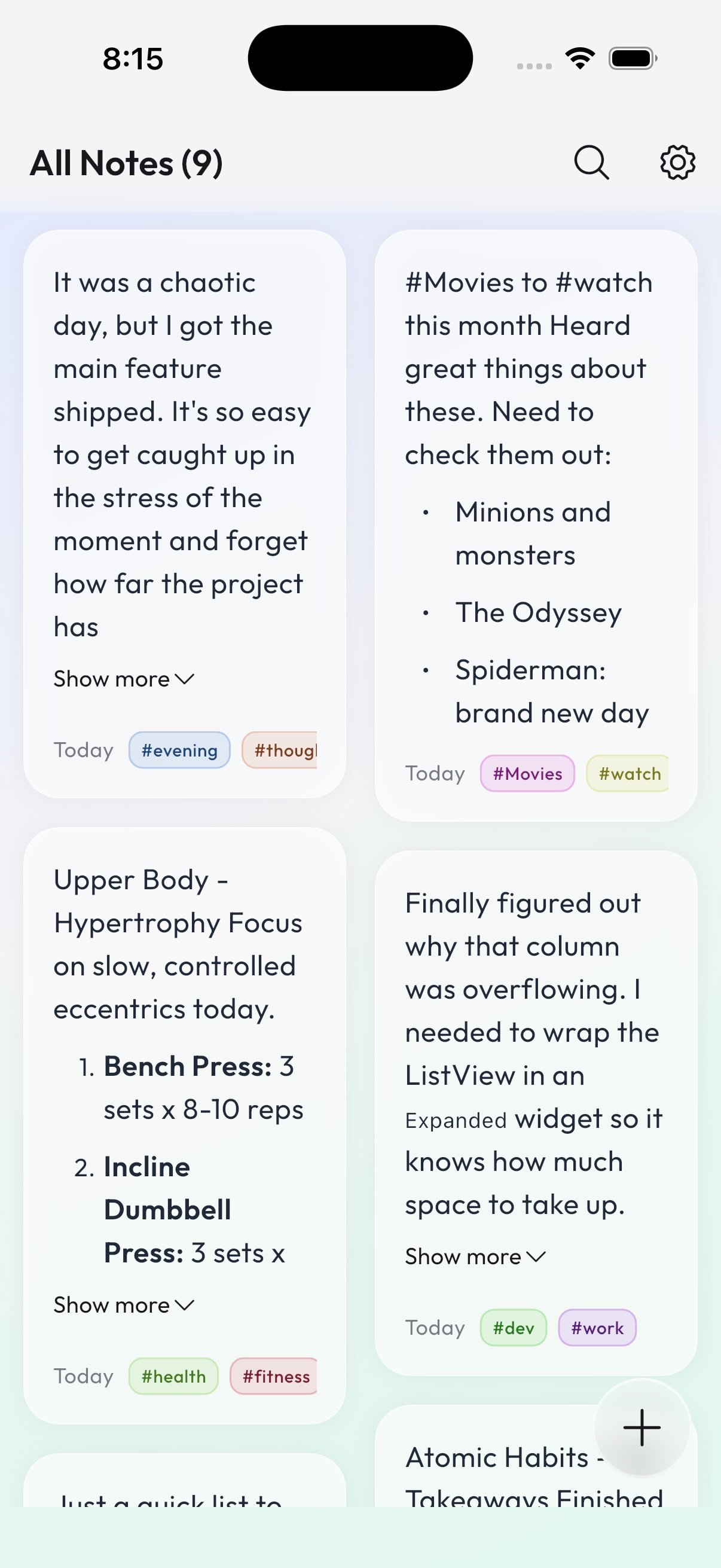
Beautiful in Light mode.
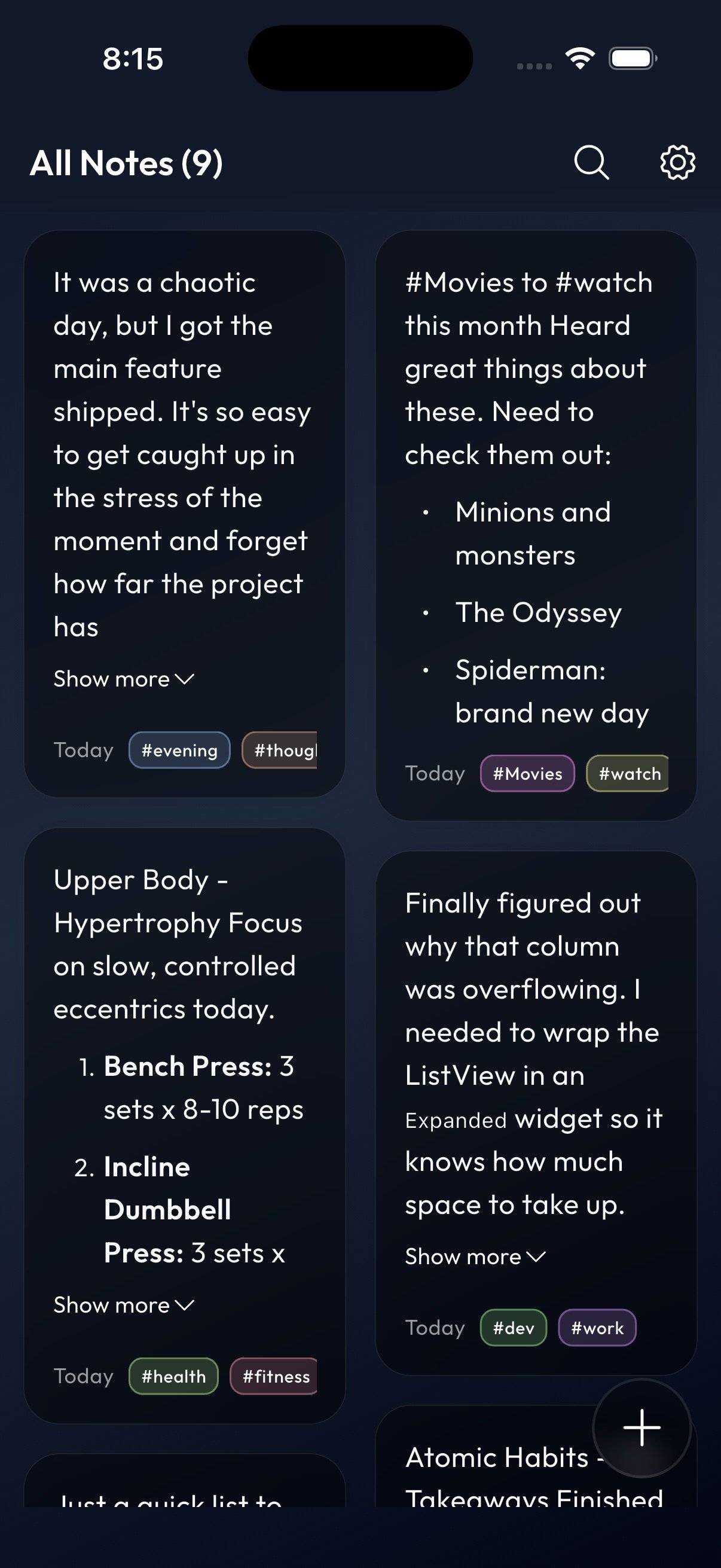
Stunning in Dark mode.
Light Theme: Crisp, airy, pastel tag highlights for
focus during the day.
Dark Theme: Rich, deep navy hue designed to save battery and
ease eye strain during late-night ideation sessions.